Proxmox vs Bare-Metal Docker: The Honest Homelab Verdict
Bare-metal Docker is simpler, but one bad container can nuke your host. See real RAM/disk overhead and failure modes to pick the right homelab setup.
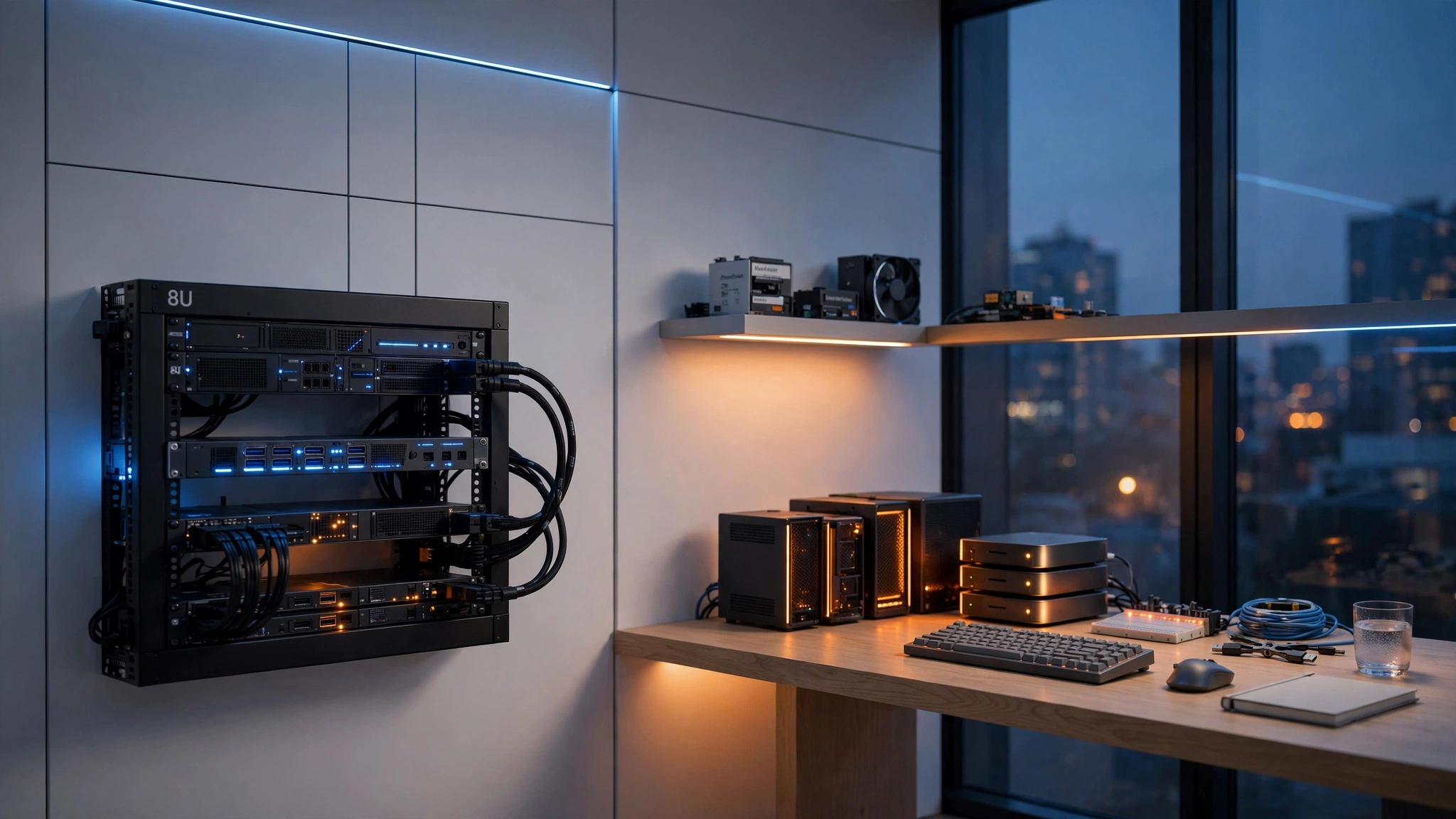
Both answers are correct, which is why this argument never ends on the forums. Here's the honest version: Docker on bare metal is the right call until the day you're afraid to reboot the box. Proxmox is what you install the first time a bad container, a kernel update, or a full disk takes down everything at once. And the option most comparisons skip — Docker inside an unprivileged LXC container on Proxmox — gets you near-bare-metal overhead with a real wall between your experiments and the host.
The actual tradeoff isn't "hypervisor vs. containers." Docker already isolates apps from each other. What it doesn't do is isolate the host from you. Proxmox adds that layer, and the price is RAM, disk, and a bit of complexity. This piece puts numbers on that price and shows the exact failure modes that push people to pay it.
The tradeoff, in one table
| Bare-metal Docker | Proxmox + Docker in LXC | Proxmox + Docker in VM | |
|---|---|---|---|
| Setup effort | Install Ubuntu + Docker, ~20 min | Proxmox install + one pct create |
Proxmox install + full guest install |
| Idle RAM (8 GB box) | ~600–900 MB | ~1.4 GB host + ~150 MB | ~1.4 GB host + ~400 MB |
| Disk overhead | ~5 GB | ~10 GB for Proxmox + container | ~10 GB + guest disk |
| Blast radius | One bad container can take down the host | Container walled off from host filesystem; kernel shared | Fully isolated from host |
| Kernel modules | Full access | Host controls them | Own kernel, own modules |
| PCIe passthrough | Native | Fiddly | Clean with VFIO |
| Snapshots / rollback | None built in | Yes (vzdump) |
Yes (vzdump) |
| Backup | DIY scripts | PBS snapshots | PBS snapshots |
What Proxmox actually costs you
Numbers from the same 8 GB / 256 GB mini-PC, measured idle:
- Bare metal (Ubuntu 24.04, Docker Engine 27): ~600–900 MB RAM.
dockerd+containerdplus a few small containers. No hypervisor tax, and full access to host kernel modules — WireGuard, ZFS, VFIO, nftables all just work. - Proxmox VE 8 host: ~1.2–1.5 GB before you run anything (
pve-cluster,pvedaemon,pveproxy,corosync). - + Debian 12 LXC running Docker: another ~100–200 MB.
- + Debian 12 VM running Docker: another ~300–500 MB, plus the guest's own disk and an extra package-update cycle to babysit.
There's one more tax hiding in Proxmox: ZFS. If you install with ZFS (which you should, for snapshots), the ARC cache will happily eat up to 50% of your RAM. On an 8 GB box, that's effectively ~4 GB gone. Cap it:
bash
/etc/modprobe.d/zfs.conf
options zfs zfs_arc_max=2147483648
Then refresh initramfs and reboot:
update-initramfs -u && reboot
The failure modes that end bare-metal Docker
A container with too much filesystem access
docker run -v /:/host alpine — the classic. One careless bind mount and a container can see the entire host. A misbehaving script (or a rm -rf aimed at the wrong variable) takes the whole box down. Docker isolates processes, not the filesystem you deliberately hand it. Proxmox turns this into "the container dies, the host shrugs."
A kernel update breaks the Docker bridge
Ubuntu's unattended-upgrades pulls a new kernel and a matching nftables update. You reboot. br_netfilter isn't loaded, Docker's iptables backend starts arguing with nftables, and containers come up with no network — or dockerd won't start at all. You're crouched next to the box with a keyboard and a phone flashlight at 11 PM. I've fixed this exact thing twice. It's fixable; it's also not something you want to explain to your partner at midnight.
A compose pull fills your root disk
Images pile up in /var/lib/docker. A docker compose pull on a busy stack writes until the root partition hits 100%. dockerd dies mid-write, and if the filesystem is unlucky, the boot follows. On Proxmox, the container's disk is a separate volume — it fills, the container stops, the host keeps humming, and you can snapshot the mess before you touch it.
LXC: the middle path most people skip
Full VMs are what the forums talk about, but for a single homelab box, an unprivileged LXC container is the sweet spot. It shares the host kernel, so you don't pay for a second boot, its own kernel, or a whole guest OS. A Debian 12 LXC running Docker costs ~100–200 MB idle. Inside it, docker compose up behaves exactly like it did on bare metal.
The isolation math is different, though. In an unprivileged LXC, container root maps to host UID 100000, and every container UID is shifted. A container process that messes up lands in an empty namespace, not your host files. That's the wall Proxmox gives you that bare-metal Docker never will.
To run Docker inside an LXC you need nesting enabled:
pct set 120 --features nesting=1,keyctl=1
Then install Docker inside as usual.
PUID/PGID inside an unprivileged container
LinuxServer.io images expect PUID and PGID env vars so file ownership is predictable. On bare metal, PUID=1000 matches your desktop user. Inside an unprivileged LXC, container UID 1000 maps to host UID 101000 — so bind-mounted host directories won't have the permissions you expect.
Two options:
- Keep app data on an LXC mount point (
mp0). Ownership stays internal to the container, andvzdumpbacks it up. - Bind-mount host directories and
chownthem to101000:101000.
Start with option one; it's less head-scratching.
When you still need a full VM
- Docker-in-Docker (
dind) — rootless or Kaniko covers most cases now, but some projects still expect DinD. - Custom kernels — you want to test a kernel module or a different kernel. LXC is hostage to the host kernel.
- Untrusted workloads — something you downloaded at 2 AM from a forum link. A VM gives a real boundary.
- GPU passthrough with VFIO — cleaner inside a VM.
Migrating: bare-metal Docker → Proxmox LXC
One afternoon is enough. Move your data and compose files, rebuild the stack inside the container, and point your reverse proxy (or router) at the container's IP.
First, grab the template and create the container:
pveam update
pveam download local-zfs debian-12-standard_12.7-1_amd64.tar.zst
pct create 120 local-zfs:vztmpl/debian-12-standard_12.7-1_amd64.tar.zst \
  --hostname docker01 \
  --cores 2 \
  --memory 2048 \
  --swap 512 \
  --rootfs local-zfs:20 \
  --mp0 local-zfs:50,mp=/data \
  --net0 name=eth0,bridge=vmbr0,ip=dhcp \
  --features nesting=1,keyctl=1 \
  --unprivileged 1 \
  --start 1
Then inside the container:
apt update && apt install -y docker.io docker-compose-v2
Copy your compose files, run docker compose up -d, and confirm the containers reach your reverse proxy.
Back up the whole container with vzdump:
vzdump 120 --storage pbs --mode snapshot --compress zstd
One gotcha here: vzdump only sees what lives inside the container. Host bind-mounts (the -v /srv/data:/data style) aren't captured. Use mp0 for data you care about, or your snapshots will be selectively useless.
Gotchas worth avoiding
- Don't expose Docker's API. Port 2375 is unauthenticated. Public IPs get scanned for it within minutes. Keep the socket local or require TLS.
- Cap ZFS ARC on small boxes. The default can eat half your RAM. The
zfs_arc_maxline above stops the bleeding. - Don't bind-mount host paths into LXC containers. Ownership mapping gets confusing and backups miss them. Prefer container mount points.
- Keep the Proxmox host updated. LXC containers share the host kernel, so a stale host kernel means stale containers too.
apt updateon a schedule, and test the reboot you'll eventually have to do.
FAQ
Is Proxmox better than Docker for a homelab?
They aren't competitors. Docker runs apps; Proxmox runs machines that can run Docker. Proxmox wins when you need isolation and snapshots; it costs you RAM and a layer of complexity. Docker on bare metal is fine until you want that isolation.
Can you run Docker inside a Proxmox LXC?
Yes, with nesting=1 enabled on the container. For most self-hosted stacks — media servers, dashboards, automations — it works well enough that you'll forget you're not on bare metal.
How much RAM does Proxmox use compared to bare-metal Docker?
A bare-metal Ubuntu + Docker box idles around 600–900 MB. Proxmox alone idles around 1.2–1.5 GB. Add an LXC running Docker for ~150 MB more, or a full VM for ~400 MB more. Then check ZFS ARC if you didn't cap it.
Should I run Docker on bare metal or in a VM?
Run it on bare metal if the box does one job and you never plan to experiment with kernels, GPU passthrough, or containers you don't fully trust. Move to Proxmox with Docker in an LXC when you want experiments to fail without taking the host with them. Full VM only when you need a custom kernel or a hard isolation boundary.
What is the difference between Proxmox and Docker?
Proxmox is a hypervisor: it runs whole operating systems (VMs and LXC containers) with snapshots, backups, and failover. Docker is a container runtime: it runs isolated processes on the host kernel. Proxmox gives you machines; Docker gives you processes.
The verdict
Run Docker on bare metal until the first time you're afraid to reboot the box. Then install Proxmox, move your stack into an unprivileged LXC, and stop worrying.
Most homelabs over-buy VMs. LXC gets you 90% of the isolation at 10% of the cost, and the only things you truly lose are custom kernels and hardware passthrough — which most people need about once a year. Keep data on container mount points, cap ZFS ARC, and back up with vzdump. Your experiments will fail politely, and you'll actually sleep through the next unattended-upgrade.
Related in this cluster
- /en/posts/the-proxmox-vs-bare-metal-docker-homelab-verdict/